
How to Search the Johns Creek Court Docket
Begin at the Johns Creek Municipal Court page. It points you to JusticeONE and lists the phone and counter options. Before searching a docket, have the citation number handy, plus your full name, date of birth, the charge, and the court date printed on the ticket.
- Confirm that Johns Creek Municipal Court is named on the citation.
- Allow the city's stated posting period for a new ticket.
- Open the official JusticeONE link and search the citation.
- Check the date, amount, charge, and appearance requirement.
- Use the clerk or 24-hour phone line when the tool does not answer the question.
If your paperwork mentions a transfer, ask which Fulton court now holds the case and whether a new case number was assigned. Keep in mind that a fruitless Fulton search never cancels a date in city court.
Johns Creek JusticeONE and Phone Access
Johns Creek links residents to the JusticeONE citation portal for online ticket lookup and payment. The portal relies on browser scripts. Field labels may not display the same way for every visitor. Happily, the fallbacks are solid. Call Court Services at 678-512-3444 for court dates, ticket amounts, and general information. A 24-hour line at 678-359-2783 works too. The official city page shows the JusticeONE portal as the city links it.
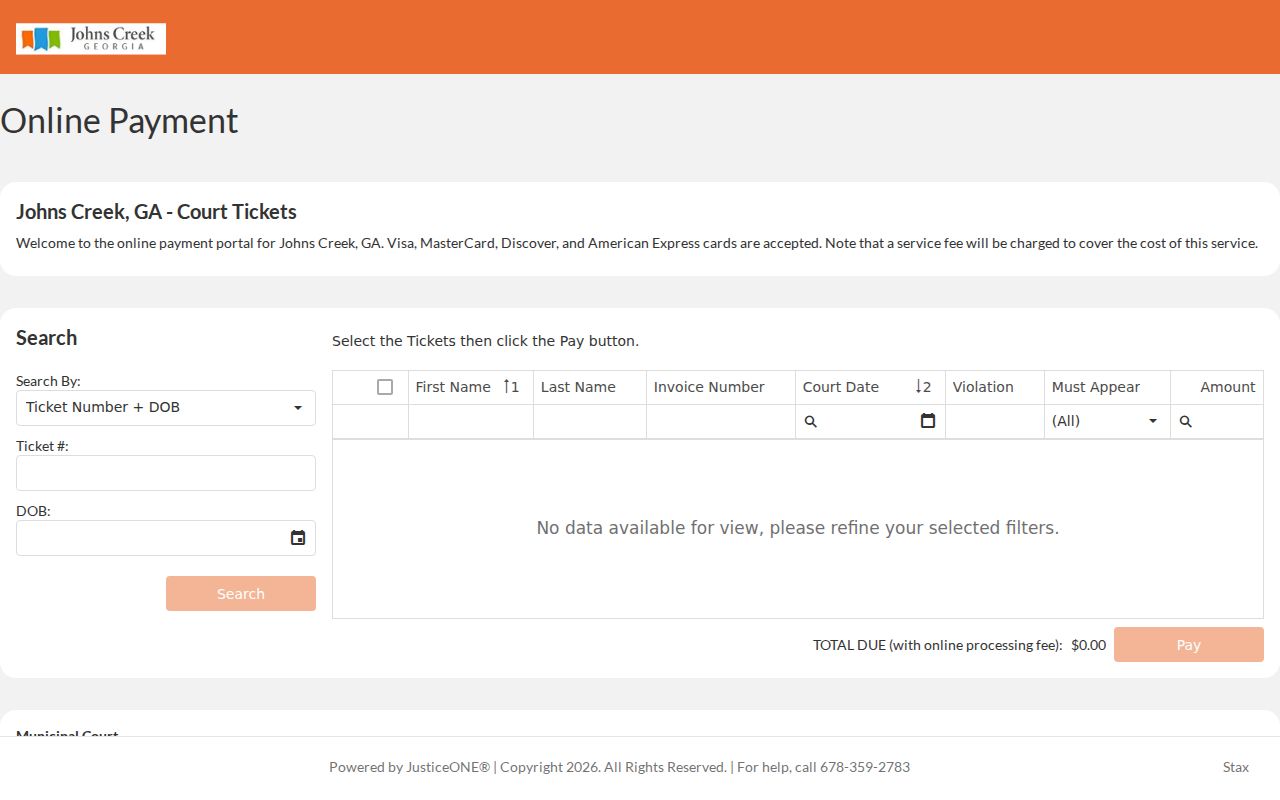
One vendor screen is not the whole municipal docket. When a citation is missing, or the charge requires an appearance, the Johns Creek clerk remains the place to confirm the current setting and case status.
The Johns Creek Municipal Court
Johns Creek Municipal Court sits at City Hall. The address is 11360 Lakefield Drive, Johns Creek, GA 30097. Reach the clerk at 678-512-3444. Office hours run Monday through Friday, 8:30 a.m. to 5 p.m. In-person payments stop at 4:30 p.m. The court handles state traffic offenses and city-code violations inside Johns Creek, along with certain misdemeanor, nuisance, and quality-of-life matters. The official city page also links annual reports and court services.
Those local duties mean a routine Johns Creek citation does not start out in Fulton Odyssey. Search the city first, then try a county portal.
Johns Creek Municipal Court
11360 Lakefield Drive
Johns Creek, GA 30097
678-512-3444
Monday-Friday, 8:30 a.m.-5 p.m.
Wait for a Johns Creek Citation
Plan on waiting seven to ten business days after a ticket is issued before you search or pay online. The court needs that window to receive and enter the citation. The wait does not push back the court date on the ticket, so watch that deadline.
No online result yet? Keep the citation, wait the stated posting period, and call 678-359-2783 to confirm the date and amount.
Double-check your spelling and the ticket identifier. Multiple citations from one incident must be handled together, according to the city. Note that a single must-appear charge can block online payment for the entire group.
Johns Creek Court Dates and Settings
Johns Creek holds court sessions on Tuesday and Thursday. Your citation and the city's official channels give you the assigned date. Remember that an arraignment is a first step, not the trial itself; if you contest the case, the court can schedule a trial date later on.
| Date | The citation date or later clerk-entered setting. |
|---|---|
| Time | The session time shown by the court; confirm through the official phone route. |
| Location | Johns Creek City Hall unless a current court notice provides another method. |
| Setting type | Arraignment, later trial, compliance, or another municipal event. |
| Status | Whether payment is allowed, appearance is required, or the matter was reset. |
Never assume a payment deadline and a hearing time are the same thing. A reset request only excuses attendance once the court approves it.
Johns Creek Arraignment Comes First
The municipal FAQ draws a clear line between arraignment and trial. At arraignment the charge is addressed. A plea may be entered. A contested case can get a separate trial date. That later setting governs preparation and attendance. The official Johns Creek court FAQ gathers arraignment, payment, interpreter, failure-to-appear, and records guidance in one place.
Read every docket entry by its type. An arraignment listing tells you nothing about a trial outcome, and a later setting may still follow.
Johns Creek Traffic Tickets
Eligible Johns Creek tickets can be paid online, by phone, or at the courthouse counter. Paying is a court-case action. Confirm first that no appearance is required. The city's payment instructions decide which methods and deadlines apply. The official Johns Creek payment page also covers payment and cash-bond notices.
Cash works in person only. The city also takes money orders, cashier's checks, and major cards. Hold onto your receipt. Confirm the municipal docket reflects the disposition. To compare local record holders, see the Fulton traffic court records page.
Johns Creek Must-Appear Cases
Some charges can never be resolved by paying online. The city's examples include DUI; reckless or aggressive driving; no insurance or no license; driving on a suspended license; disorderly conduct; shoplifting; city-ordinance matters; racing; and certain cases involving a person under 21. The current official list always controls.
| Eligible payment path | Must-appear path |
|---|---|
| Portal shows payment is allowed | Citation or court marks appearance required |
| Pay by the documented cutoff | Attend the assigned arraignment |
| Save receipt and verify closure | Track any later trial date |
| All grouped citations must qualify | One required charge can block group payment |
An amount displayed online is not proof that you can skip court. Verify the case status directly with Johns Creek.
Johns Creek Payment Cutoffs and Fees
If no appearance is required, you can pay online until 10 p.m. on the court date itself. Expect a service fee of 5% online or by phone, and 3.5% for an in-person card payment. These fees sit on top of the base fine.
| Johns Creek payment channel | Documented rule |
|---|---|
| Online or phone card | 5% service fee |
| In-person card | 3.5% service fee |
| Cash | In person only |
| Money order or cashier's check | Accepted under city instructions |
| Online cutoff | 10 p.m. on court date for eligible matters |
A late or failed payment attempt does not wipe out the setting. If payment will not go through, call the court and save any error message or receipt.
Johns Creek Forms and Court Access
The city publishes self-help routes for interpreter requests, recording requests, and an attorney's entry of appearance, and each form serves a distinct procedural need. Filing one does not move a court date by itself. Only the court's approval of the requested action changes your schedule.
- Interpreter request
- Asks the court to arrange language access for a scheduled proceeding.
- Entry of appearance
- Records an attorney's participation in the city case.
- Recording request
- Uses the court's process for permission or access related to a proceeding.
- Reset
- A court-approved move to a new date, not merely a request.
Go through the official Municipal Court page for current forms. When the docket leaves the next step unclear, ask Court Services which form fits.
Johns Creek Court Administration Changes
Johns Creek publishes Municipal Court annual reports for 2025 and 2024. The city also moved municipal probation services in-house on July 1, 2025. Read those reports for a picture of how the local court runs. They are not case-search tools. A single citation still has to be checked through JusticeONE, the clerk, or the phone service. The report's publication year matters when you cite it. Staffing, programs, and docket practices shift over time.
The probation change is about administration after a case wraps up. It does not move where every Fulton record lives. A probation question goes to Johns Creek's current municipal channel. A county case stays with the Fulton court that received it.
Dates on city sources matter too. Older Johns Creek material may describe a prior service model. Its citation history can still be sound. For contact and procedure, rely on the current Municipal Court and probation pages. For the actual case events, rely on the docket. Administrative news never resets a hearing, alters a plea, or closes a file. Only a court entry or an order gives you that case-specific result.
Where Johns Creek Cases End Up
The Municipal Court holds the city record. A transfer, an appeal, or a charge beyond municipal authority can open a separate county file. Ask the city clerk which court received it and whether the number changed.
Docket flow: Johns Creek Municipal Court › Fulton County Courts › Superior Court of Fulton County
Treat this flow as a route map. It is not a promise that every city case moves through each court. Start with a Johns Creek search. Move to the Fulton County court docket only when an official notice identifies a county filing.
If a transfer happens, keep both identifiers. The Johns Creek citation number ties back to the city record. The receiving court may issue its own case number for its own docket. Ask which clerk now takes filings, copy requests, and date questions. That single check keeps a city request from going to the Superior clerk. It also keeps a county number from being hunted in JusticeONE.
Public Access to Johns Creek Court Records
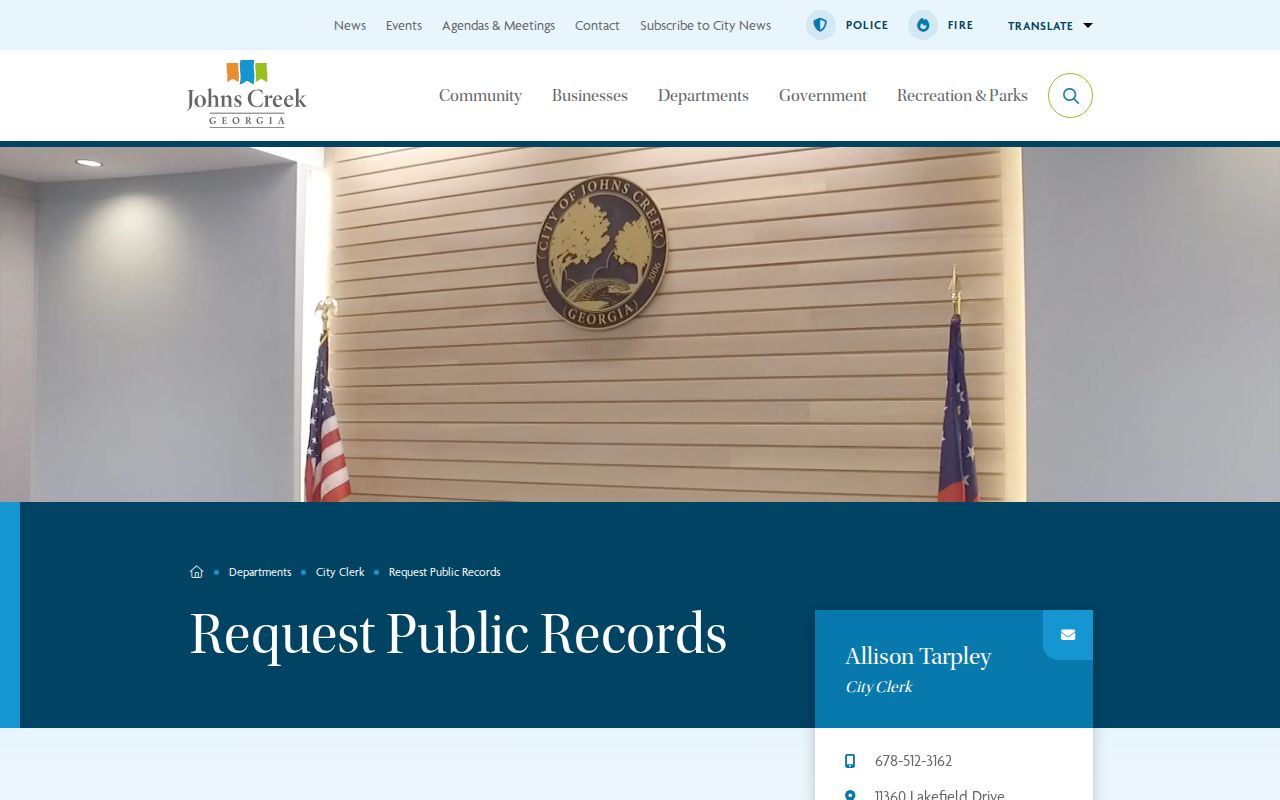
The Municipal Court can hand out its public case records and dispositions, and the city runs a separate open-records process for city records. A tight request speeds things up. Name the court, give the citation or case number, state the document you want, and say which copy type you prefer. The Johns Creek public-records page lays out the city policy and the request route you follow.
Judicial limits still guard sealed material and protected data. Direct your request for a city case record to the Municipal Court clerk, not to some unrelated Fulton office.
Public access: Georgia Open Records Act guidance explains lawful fees, response rules, and exemptions.
Court orders and confidentiality rules can limit access to specific judicial records.