
Searching Fulton County Cases by Name
Start at the Fulton Clerk Find a Case page, the official index for Superior, State, and Magistrate searches. Its current links point to Fulton Odyssey. Registration or sign-in may be required. One name can return several matches, so never pick a record on name alone.
- Identify the likely court and case type from a notice, citation, or filing.
- Open the official Fulton route and enter the full name with careful spelling.
- Try a shorter form or name variant if the first search fails.
- Compare the court, filing date, case type, and case number.
- Open the matching public record and check its latest events and hearings.
Search a business or organization by its filed name. If the online name search comes up empty, the clerk counter and public access terminals are the fallback. Staff can help locate public records, but they cannot tell you which case belongs to a person.
Fulton Odyssey Record Search
Most people start a Fulton County court docket search at the Fulton Odyssey public portal. It pulls Superior, State, and Magistrate court records into one place. Smart Search works for quick lookups by name, while Advanced Search adds filters. A court-record selector sits below both tools. The coverage is wide. Still, some Fulton courts keep separate systems, so one database never holds everything.
The Clerk of Court also publishes its own route through the Find a Case page. It walks visitors through the same case lookup from the official side.
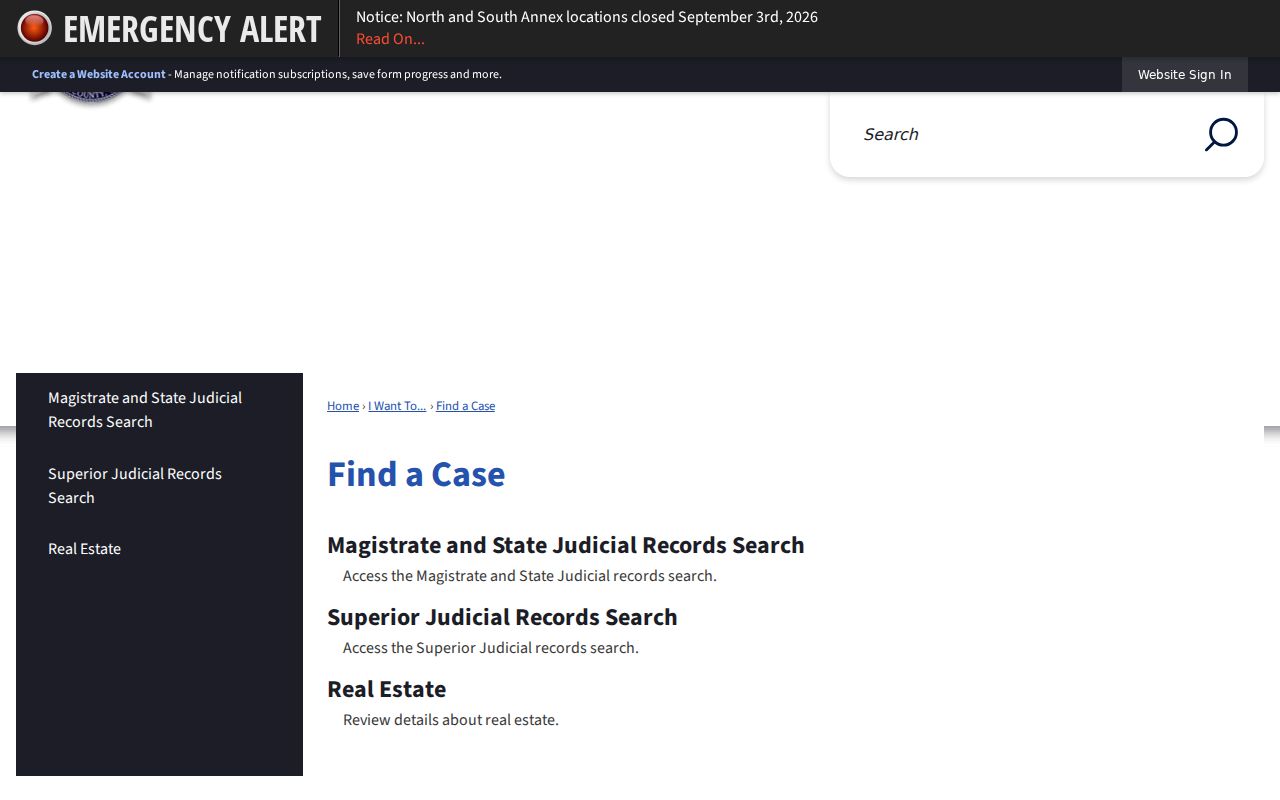
Those separate links and the selector exist for a reason. If a municipal, Probate, or Juvenile case is missing, check with that court rather than assuming no record exists.
| Search control | Use | Check |
|---|---|---|
| Smart Search | Name or known identifier | Spelling and matching court |
| Advanced options | Narrow a broad result set | Date and case type |
| Court selector | Choose a covered record set | Superior, State, or Magistrate |
| Sign in/register | Reach the current public interface | Account and access notices |
Searching Fulton County Case Numbers
The case number is your strongest lookup key. It ties the query to one file and one court. Fulton forms show the number gets assigned in the clerk-use portion after filing. No single safe format holds across all courts, so copy the number exactly as printed. Paste the full identifier into the Case Number field. Include the letters, year digits, punctuation, and leading zeros.
Enter the whole string first. If the portal rejects the punctuation, follow the format it displays. Do not guess a new number. A citation or municipal ticket number may belong in a city or traffic tool. It does not belong in the general Odyssey field. A filing-envelope or eFileGA transaction number is also not always the public case number.
eFileGA Is Not Case Search
Odyssey eFileGA takes electronic filings for Fulton Superior and State Court. It is not the public docket view. A filer signs into an account to submit or serve documents. A reader uses the public portal to inspect available case events. Mix the two up. You may end up searching a filing dashboard for a public docket. The eFileGA landing page itself shows those filing controls.
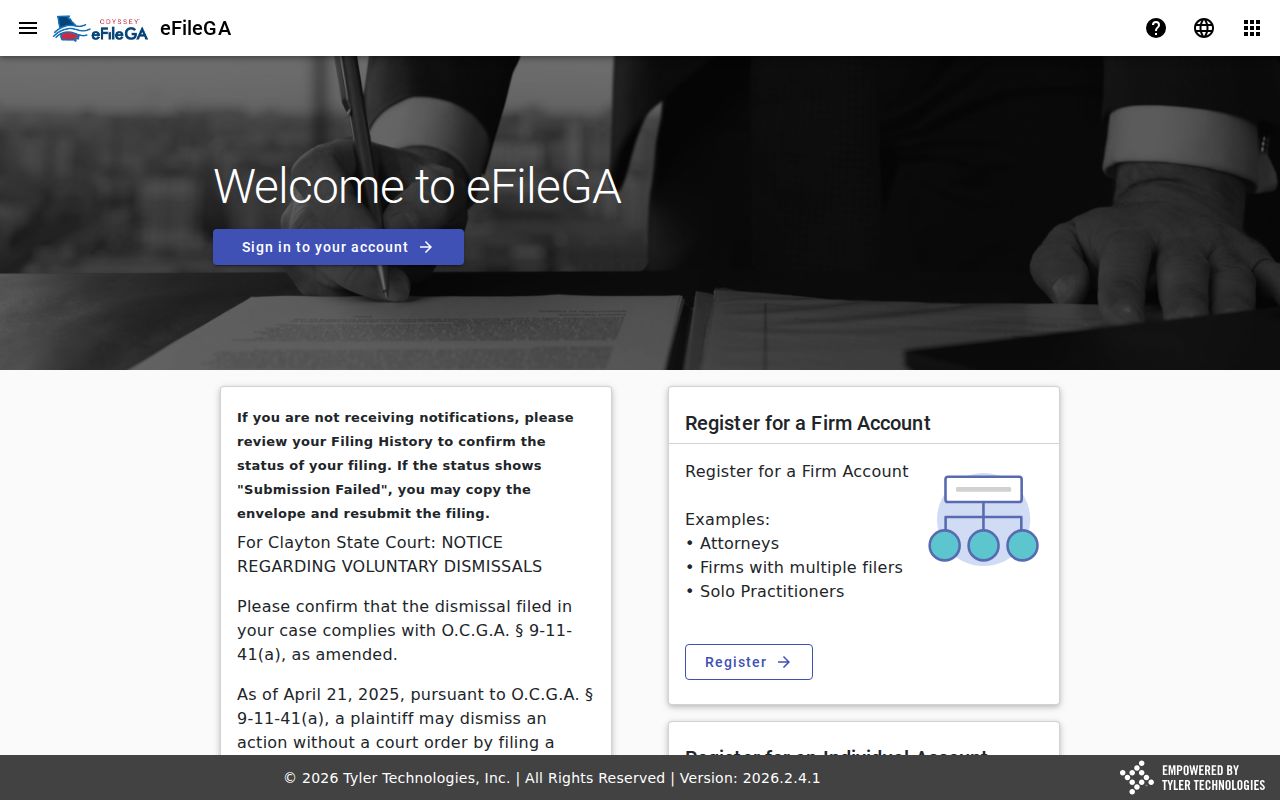
The filing controls tell you what the portal does. Acceptance, rejection, and service activity can affect when a filed item shows up in the public case history.
What Fulton County Case Search Returns
What you get from a public result is an index and event history, not always the complete case file. Neutral case details can help confirm identity and show where to ask for documents. When public and applicable, the current case record may include the fields below.
| Header | Case number, court, case type, and filing date. |
|---|---|
| Parties | Publicly displayed roles and names, subject to access rules. |
| Assignment | Judge, division, or courtroom information when listed. |
| Events | Filings, motions, orders, hearings, and other docket entries. |
| Settings | Dates, times, rooms, and hearing types when scheduled. |
| Disposition | Outcome or status information when entered and public. |
| Documents | Links or references where remote document access is allowed. |
A docket line can refer to a paper you cannot view remotely. When you need the filing itself, request the underlying court record from its custodian.
Fulton Search Results That Lag
A new Fulton filing may not appear right away. Filing review, clerk acceptance, indexing, and transfers between courts can all create a gap. City matters may sit in a municipal system. A matter bound over to State Court may not show there at first. The Solicitor must file a formal accusation.
Check the issuing court first. Confirm the number is a true case number, not a ticket or e-filing identifier. Then search again with fewer name terms, and use the clerk's phone or counter. Public access terminals offer Odyssey and eFileGA access. You can reach them in the Clerk's first-floor office at 136 Pryor Street and at the Justice Resource Center. Keep any dated notice, because a portal gap does not cancel a hearing.
County and Georgia Case Search
Georgia has no single statewide public docket search. The Georgia Courts E-Access directory points to systems run by participating courts, and Fulton Odyssey gives deeper local routing for covered Fulton records. Use both.
| Georgia E-Access directory | Fulton County portal |
|---|---|
| Routes users to court-specific resources | Searches covered Fulton Odyssey records |
| Useful when the county or court is uncertain | Useful for a known Fulton case |
| Not one consolidated docket database | Not a complete municipal, Probate, or Juvenile search |
| Follow the destination court's access rules | Confirm the selected court and case type |
Federal cases filed in Atlanta belong to the Northern District of Georgia and PACER, not a Fulton county search. Federal and state case numbers come from different systems.
Fulton Court Routes Beyond Odyssey
Probate Court, Juvenile Court, and each municipal court keep their own records. Atlanta, Sandy Springs, South Fulton, Roswell, and Johns Creek run city routes. They handle local citations and ordinance cases. A jury demand, bind-over, appeal, or other transfer can later create a county-level file. That second record may start at a different time, though.
Use the court named on the most recent official paper. If the case was transferred, ask which court received it. Also ask whether a new number was assigned. Magistrate calendars can help with Small Claims, Garnishments, and Landlord-Tenant dates. Those static lists do not replace the full case search.
Fulton Restricted Case Access
Some files stay closed. Fulton County dockets can hide sealed cases, juvenile matters, confidential sections, and protected personal data. In some places they show just a thin entry instead of the full record. The rules come from Georgia Uniform Superior Court Rules 21 and 21.1 through 21.6. They govern access, electronic filing, and redaction. Georgia also has a record-restriction process for criminal history. It limits what shows up, though it never guarantees that every court reference disappears.
No result is not a legal finding. It may reflect the wrong court, a search mismatch, indexing delay, or lawful restriction.
Only the court can authorize access to a sealed or restricted judicial record.
Never work around access controls. Instead, ask the right clerk which public request method fits your situation. When an entry hides a plain or certified document you need, follow the Fulton County court records process to get it.
Verify a Fulton County Match
Check a match before you trust it. Line up the case number, court, case type, filing date, party roles, and current status, then read the newest docket event rather than stopping at the first hit. A "pending" label is not a result. A hearing date on the calendar does not prove the event took place. Later entries or orders can also correct what an earlier docket line says.
For anything formal, get a certified copy from the clerk who keeps the file. Ché Alexander's office holds the Superior and Magistrate records, while State Court maintains its own. Every other Fulton court has its own clerk too. That custody split is what makes a search complete.