
How to Get Fulton Court Records
The case number and the court come first. Ché Alexander, Clerk of Superior and Magistrate Courts, holds those two courts' files. Fulton State Court keeps its own records through separate divisions. Probate, Juvenile, and the municipal courts are their own custodians of their dockets. Identify the file before you order copies. Use the Find a Case page or Fulton Odyssey.
- Search the official docket and record the exact case number and court.
- Check whether the desired public document is viewable online.
- Use the clerk counter, phone, public access terminal, or mailed request if it is not.
- Choose a plain, certified, or authenticated copy based on the actual need.
- Supply enough case detail, pay the stated fee, and keep the receipt.
Georgia has no single statewide repository. The Georgia Courts E-Access directory can point you toward the right system for each court. County open-records requests get routed the same way. Judicial files go back to the court's own clerk, not to some general agency inbox.
Fulton Records Search Counters
Downtown, the Records Search Center runs a counter inside the Lewis R. Slaton Courthouse at 136 Pryor Street SW, Suite C155/J2-101, Atlanta, GA 30303. Call 404-613-5313 for records help. The counter opens Monday through Friday, 8:30 a.m. to 5 p.m. That official page also lists alternate locations, hours, and a fallback route if the main counter can't serve you.
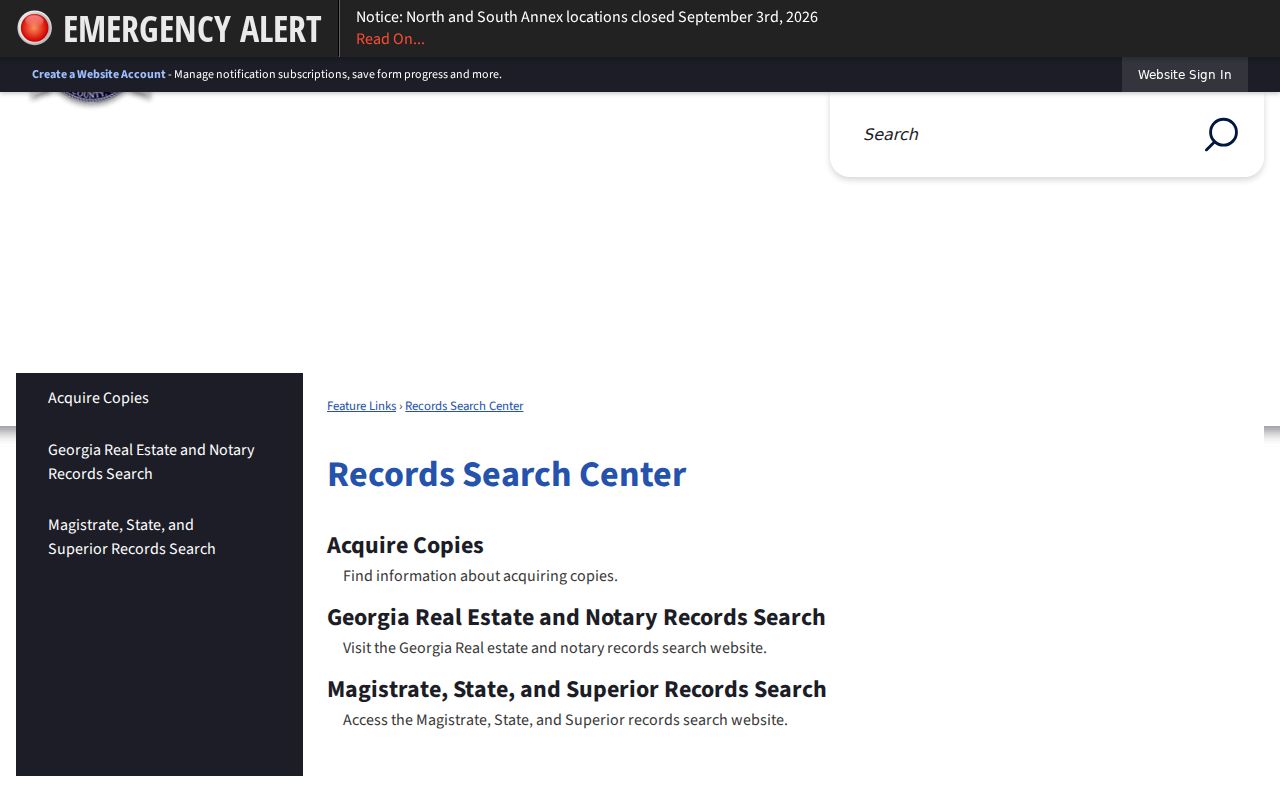
Clerk services also run at the North and South Service Centers. Both keep weekday hours of 9 a.m. to 4:30 p.m. They close for lunch from 1 to 2 p.m. Check closure notices before you drive out.
Superior and Magistrate Records Search Center
136 Pryor Street SW, Suite C155/J2-101
Atlanta, GA 30303
404-613-5313
Monday-Friday, 8:30 a.m.-5 p.m.
Types of Fulton County Court Records
A docket is only the index of events. The court file holds the actual papers. Those papers sit behind the docket entries. What is public varies by case and by court in Fulton County. Some records never leave the counter or a copy order.
- Complaints, petitions, answers, summonses, and other initiating papers
- Motions, briefs, responses, and notices filed by parties
- Court orders, judgments, sentencing papers, and dispositions
- Hearing notices, calendar entries, returns of service, and docket sheets
- Appeal records prepared for the Georgia Court of Appeals or Supreme Court of Georgia
State Court says plainly that it does not keep original deposition media. A docket event can reference material the clerk's file never held. So ask what the office actually has before you pay for copies.
Fulton Public Access Terminals
Fulton's e-file order puts public access terminals in the Clerk's first-floor office at 136 Pryor Street and in the Justice Resource Center or law-library area. The terminals reach Odyssey and eFileGA. Viewing public files there is free. Printing or formal copies may cost extra.
Terminals help when registration, remote limits, or a bulky record make home access frustrating. Bring the court and case number with you. Staff can explain how access controls work, but they will not research legal issues or pick documents for your legal strategy.
What Fulton Court Records Contain
The exact fields shift between civil, criminal, and Magistrate files. Typically, a public record links each document to the case header and the clerk's event history.
| Case header | Court, case number, type, and filing date. |
|---|---|
| Party roles | Public names and procedural roles, subject to redaction. |
| Assignment | Judge, division, and courtroom when applicable. |
| Filings | Pleadings, motions, notices, returns, and other accepted papers. |
| Orders | Court rulings, judgments, sentences, or disposition documents. |
| Settings | Public hearing dates, times, rooms, and event types. |
| Costs | Recorded fees or financial entries when public and relevant. |
The docket can list a filing without a clickable document. That is common. A copy request simply asks the clerk to pull the paper behind the docket event.
Fulton eCertification Copy Workflow
The Acquire Copies page sends requesters to Georgia eCertification. There you start a new request, pick the county and document type, enter the required details, authorize payment, and confirm through an authentication email. If the record and request qualify, you receive an electronic certified PDF. The clerk's official source walks through the full workflow.
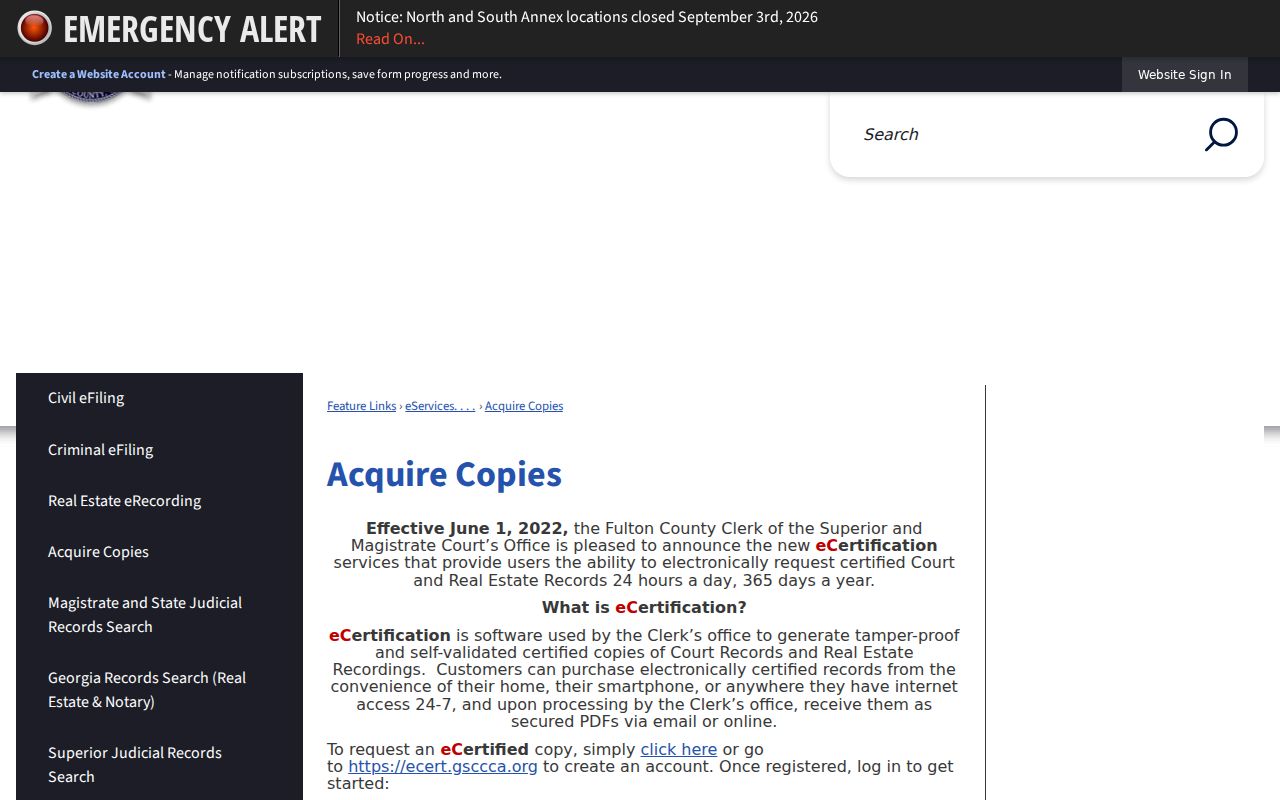
This is why you gather the case number and county first. Vague requests slow things down or fetch the wrong document type. The statewide interface itself sits at Georgia eCertification.
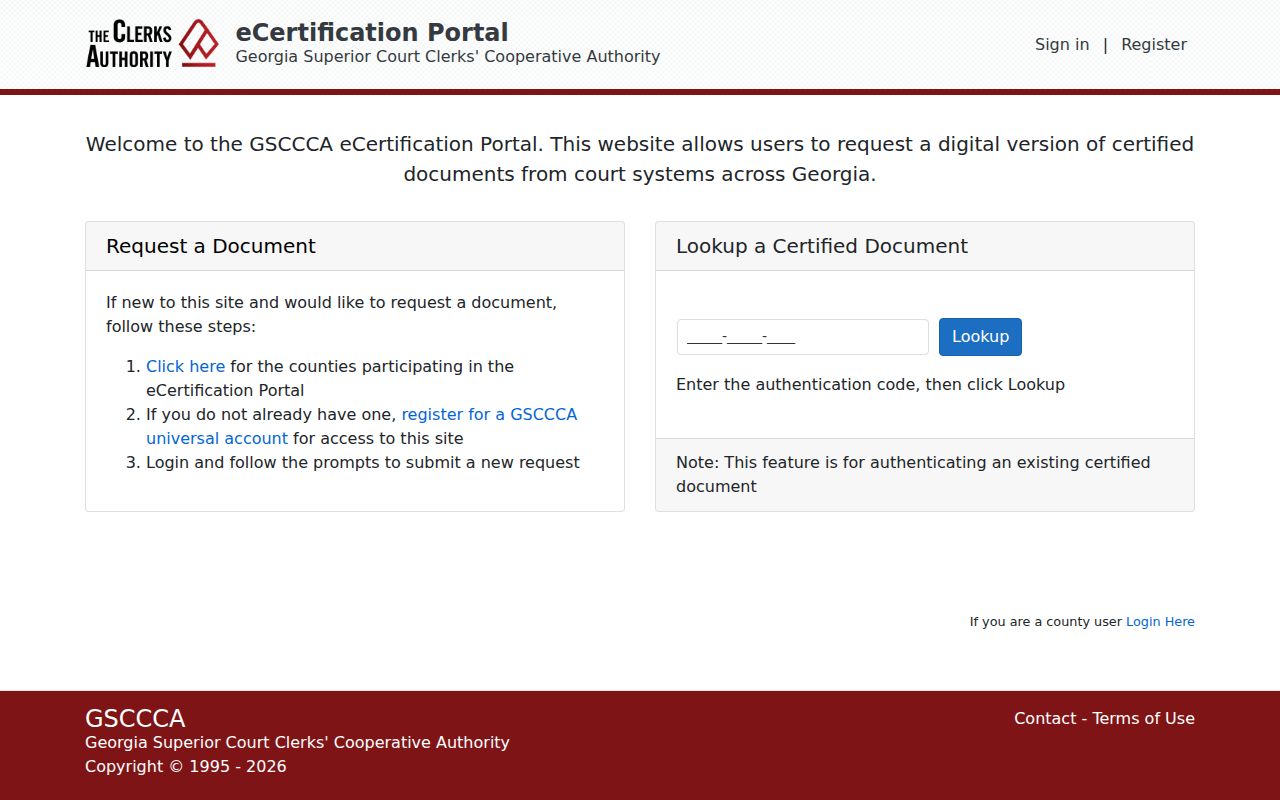
Authentication lets a recipient confirm the electronic certificate is genuine. It grants no new rights. Sealed or restricted records stay sealed or restricted.
Fulton Historic Court Record Archive
Older material lives in the Clerk's historic archive, which offers Time Period, date-range, and keyword filters. It covers published historical documents, not current case lookup. For today's docket search, Odyssey remains the tool. Genealogy work often needs the archive plus a direct inquiry to the clerk.
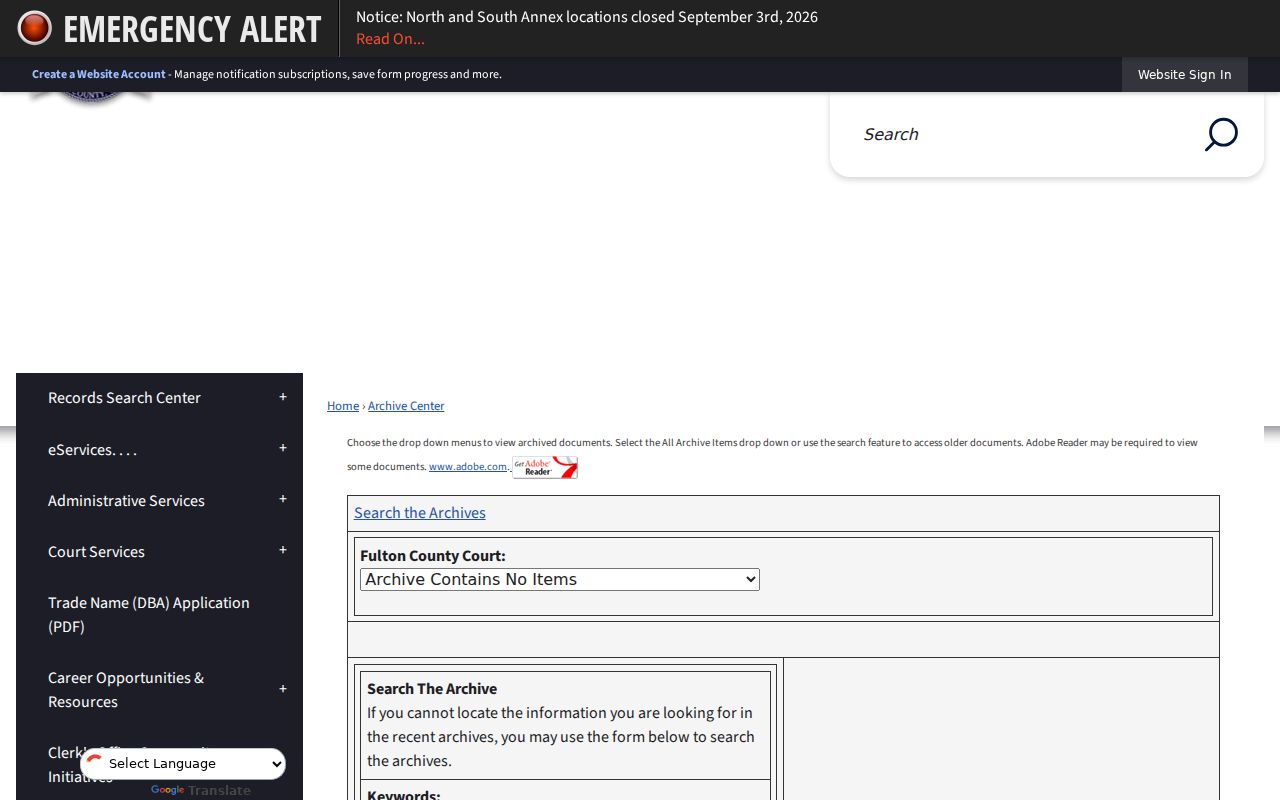
Use a known date span and one focused keyword. If nothing comes back, give the clerk the court, the parties, the approximate year, and the record type you want.
Certified Fulton Copies and Fees
Certification is the clerk's promise that the copy matches the court record. For casual reading, a plain copy is often enough. Ask whoever receives it what form they require. Do this before you pay. The official fee schedule for Superior and Magistrate copies governs the charges.
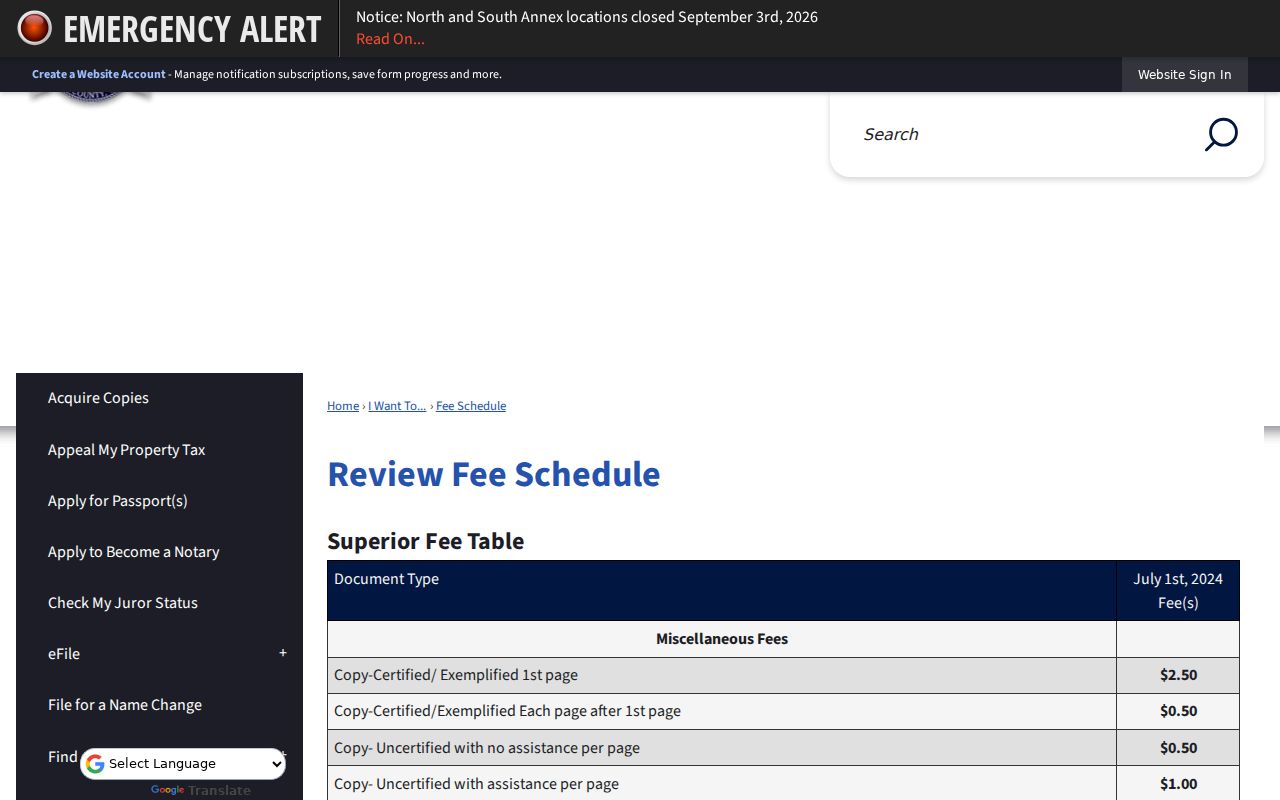
Photocopies run 50 cents per page. Computer printouts are also 50 cents per page. Certification adds $2.50, and exemplification costs $5. A certified State Court disposed traffic citation is $2.50 through that court's separate route.
| Copy service | Fee | Note |
|---|---|---|
| Photocopy | $0.50 per page | Superior/Magistrate schedule |
| Computer printout | $0.50 per page | Superior/Magistrate schedule |
| Certification | $2.50 | Added clerk certification |
| Exemplification | $5.00 | Higher authentication form |
| State traffic disposition | $2.50 | Separate State Court process |
Mail and Open Records Routes
A mailed request should name several things. List the court, the case number, the parties, the document you want, and the copy type. Confirm fees and payment methods before it goes in the envelope. State Court traffic requests need more detail. Those need the defendant's full name, date of birth, and charge description. Older State traffic records may sit offsite. Allow one to two business days for retrieval.
For agency records, the Fulton County open-records page lets you submit, track, receive, and communicate on requests. It still points judicial files back to their separate court custodians. Nothing in the Georgia Open Records Act changes that. The Act never turns the County Attorney into the clerk of a court docket.
Fulton Rule 22 Media Limits
Seeing a file at the clerk's counter is one thing; turning a camera on in court is another. Filming, recording, and broadcasting all require judicial approval under Uniform Superior Court Rule 22. Fulton Superior Court handles this through a media-access request, and the official request page spells out that separate process.
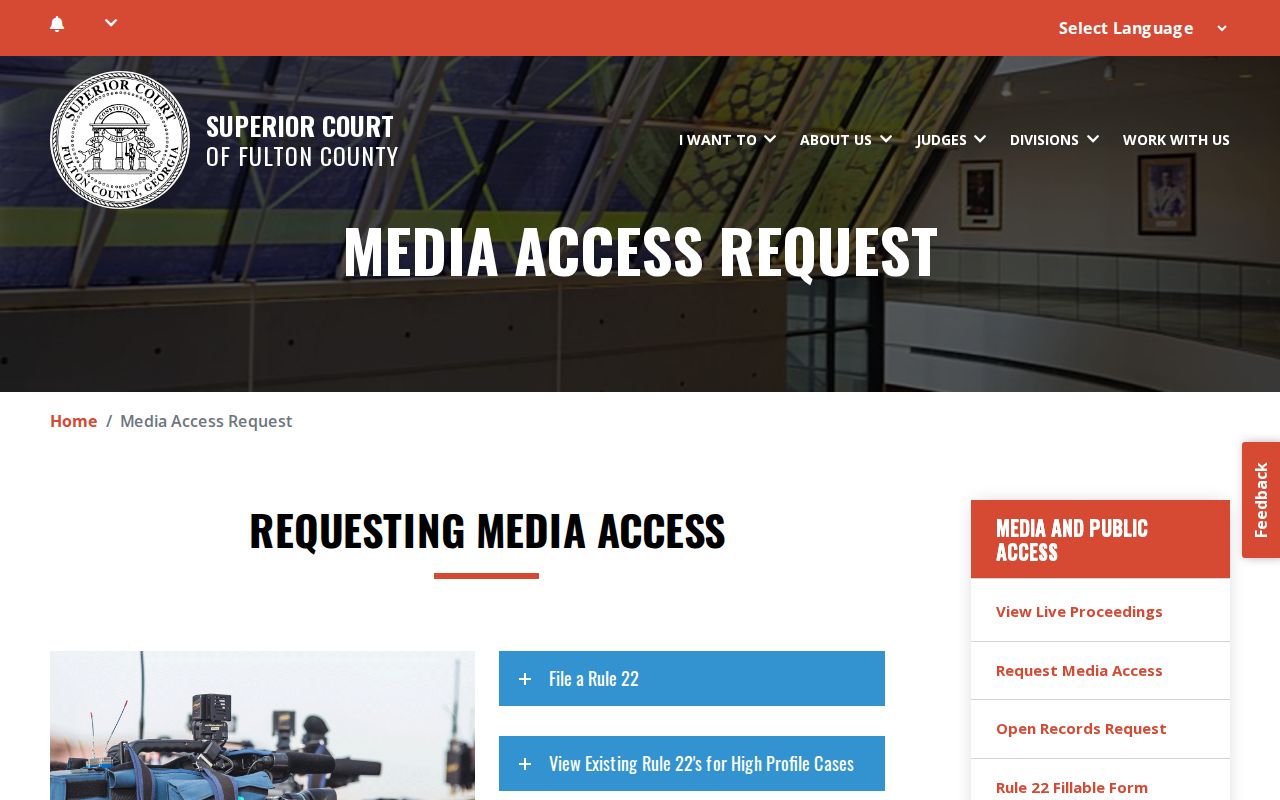
A copy request and a Rule 22 request are not the same animal. The first asks the clerk for a record that already exists. The second is different. It asks a judge for permission to photograph or record a proceeding. Mixing them up sends your Fulton court records request to the wrong office.
Public and Sealed Fulton Records
Access to Superior Court filings runs on Georgia Uniform Superior Court Rules 21 and 21.1 through 21.6. Those rules cover who may view filings. They also set how e-filing works, and what must be redacted. Sealed files stay closed. So do juvenile matters, confidential portions, and protected personal identifiers. Those items may be hidden or limited. What the public docket shows can be less than what the clerk's internal file holds.
Access rule: Georgia's open-government law supports public access, but court rules, sealing orders, and confidentiality laws control judicial files.
Only the court can authorize access to a sealed record; a clerk cannot waive the order.
Before you file, ask which public portion can be released. Never stuff Social Security numbers, full financial account numbers, or other protected data into a broad request. Run a Fulton case search first to get the precise number a focused request needs.