
How to Search Civil Dockets
Begin at the Fulton Clerk's Find a Case page. It lists a Superior link plus a State or Magistrate link, all routed to Fulton Odyssey. Major civil cases, family and domestic-relations matters, and most lower-court appeals live in Superior. State Court takes civil claims not reserved to Superior. Magistrate Court handles claims of $15,000 or less, along with garnishments and dispossessory actions. A case number is the fastest search key. If you search caption text instead, check the court, filing date, case type, judge or division, and status before opening a record. Fulton publishes no single civil number format that covers all three courts.
- Choose the likely court from the claim type and jurisdiction.
- Register or sign in to Odyssey, open Smart Search, and specify the proper court records.
- Match the court, case number, case type, filing date, and public caption roles.
- Read the register in date order and distinguish filed, accepted, served, scheduled, reset, and decided events.
- Use a PAT, records counter, or certified-copy route if an image or official judgment is needed.
Fulton County Civil Dockets by Court
The word "civil" points to more than one Fulton clerk. Major civil cases, domestic relations, complex litigation, and appeals sit in Superior Court. That is the general-jurisdiction court. Fulton State Court keeps its own clerk and civil division for torts, contracts, garnishments, dispossessory actions, personal-property foreclosure, and other matters Superior does not hold. Magistrate Court caps civil claims at $15,000. It covers small claims and other listed lower-dollar matters.
| Court | Typical civil work | Record custodian |
|---|---|---|
| Superior Court | Major civil, family, domestic relations, complex matters, and appeals | Clerk of Superior and Magistrate Courts |
| State Court | Torts, contracts, garnishments, dispossessory, and other limited-jurisdiction civil claims | State Court Clerk and Civil Division |
| Magistrate Court | Claims up to $15,000, small claims, garnishments, and dispossessory matters | Clerk of Superior and Magistrate Courts |
What a Civil Docket Shows
The public register is an index of activity, not always the whole file. A header anchors the case to one court and case number. Below it, the event list may record a complaint, service, answer, counterclaim, discovery, motion, notice, order, mediation, setting, judgment, post-judgment filing, costs, or appeal. A document marker can appear even when the image is sealed, redacted, or available only through the clerk.
| Case number | A court-assigned identifier; confirm the source court and do not infer it from digits alone. |
|---|---|
| Header | Court, case type, filing date, assigned judge or division, status, and public caption roles. |
| Pleadings | Complaint or petition, service, answer, counterclaim, and related filing titles. |
| Motions and orders | Dated requests, notices, rulings, and document-availability markers. |
| Settings | Date, time, courtroom, hearing type, and current or reset marker. |
| Disposition | Judgment, dismissal, nonsuit, settlement or closure indicator, and appeal activity. |
Fulton County Civil Dockets Through eFileGA
Filing and public searching are two different tasks. Fulton Superior and State civil filings run through Tyler Technologies Odyssey eFileGA. The public record, meanwhile, is searched in Odyssey itself. Per the State Civil FAQ, filings are electronic except for specified Garnishment Answers delivered by mail or courier. Courtesy copies are not required. The Superior Court e-filing page sets out the filing requirement and points to the official docket route.
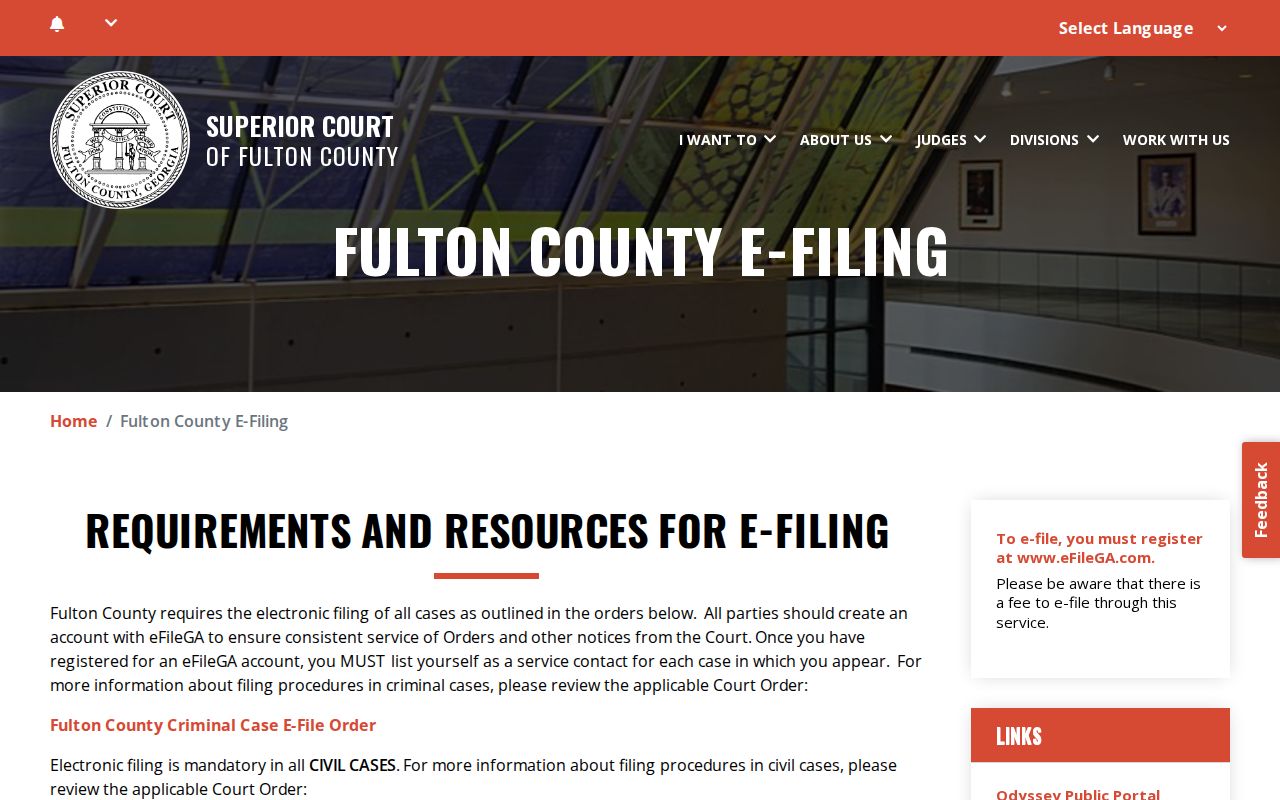
That official page separates the two steps. A filing envelope goes to eFileGA first; accepted activity shows up on the public docket later.
Types of Civil Cases on the Docket
Civil cases in Fulton spread across several courts. The case category helps you route the search. A family case can sit in Superior Court. A dispossessory or small claim may belong to Magistrate Court instead. Keep in mind that a category or calendar label is never a result.
- Major civil, business, and complex litigation in Superior Court
- Domestic-relations and family matters in Superior Court, subject to protected filings
- Contract, tort, and medical-malpractice claims described for State Court
- Garnishments, dispossessory matters, and personal-property foreclosure
- Small claims and other Magistrate civil matters at or below the $15,000 jurisdictional line
Probate and Juvenile proceedings belong to separate courts. Do not expect them in an ordinary Fulton Odyssey civil result.
Fulton County Civil Docket Filing Status
State Civil's workflow gives local meaning to a few system terms. A rejected envelope is not an accepted court filing. The filer should read the returned comments and use the stated Tyler support email when needed. A draft envelope waits under Drafts, Actions, and Resume Draft Envelope. "Receipted" may indicate the filing was accepted and processed.
- Draft envelope
- A filing package saved in eFileGA but not yet completed as an accepted court filing.
- Rejected envelope
- A submission returned with comments that must be reviewed before resubmission.
- Receipted
- A system status that may show the filing was accepted and processed.
- Notice of filing
- The docketed notice used for certain media or exhibits when the clerk does not store the original item.
Settings and Hearings on Civil Dockets
A civil setting can appear in the case hearings block. It may also show up on a court calendar or in a filed notice. Fulton Magistrate calendars group matters under Landlord-Tenant, Small Claims, and Garnishments. The labels include Dispossessory, Small Claims Motions, Motion to Seal, Mediation Debt Recovery Trial, and Impose-style entries such as Impasse. Those terms name the kind of setting, not the outcome. For State civil matters, a request for oral argument uses the filing code "Stipulation to Calendar."
The Clerk does not schedule transferred cases. The Clerk does not decide motions either; the assigned judge's staff handles hearing logistics. After a reset or continuance, trust the newest notice. Rely on the settings block over an old calendar line. The Fulton County court calendar walks through the broader date-check process.
Fulton County Civil Docket Help Desks
State Court's Civil Division is not just another screen of the Superior Clerk, and it publishes its own workflow and customer-service contacts. The office explains electronic filing, sealing orders, hearing requests, transferred cases, rejected envelopes, and media exhibits, which makes it the right fallback for any State Court procedural question. The Fulton State Civil FAQ is the source for that help path.
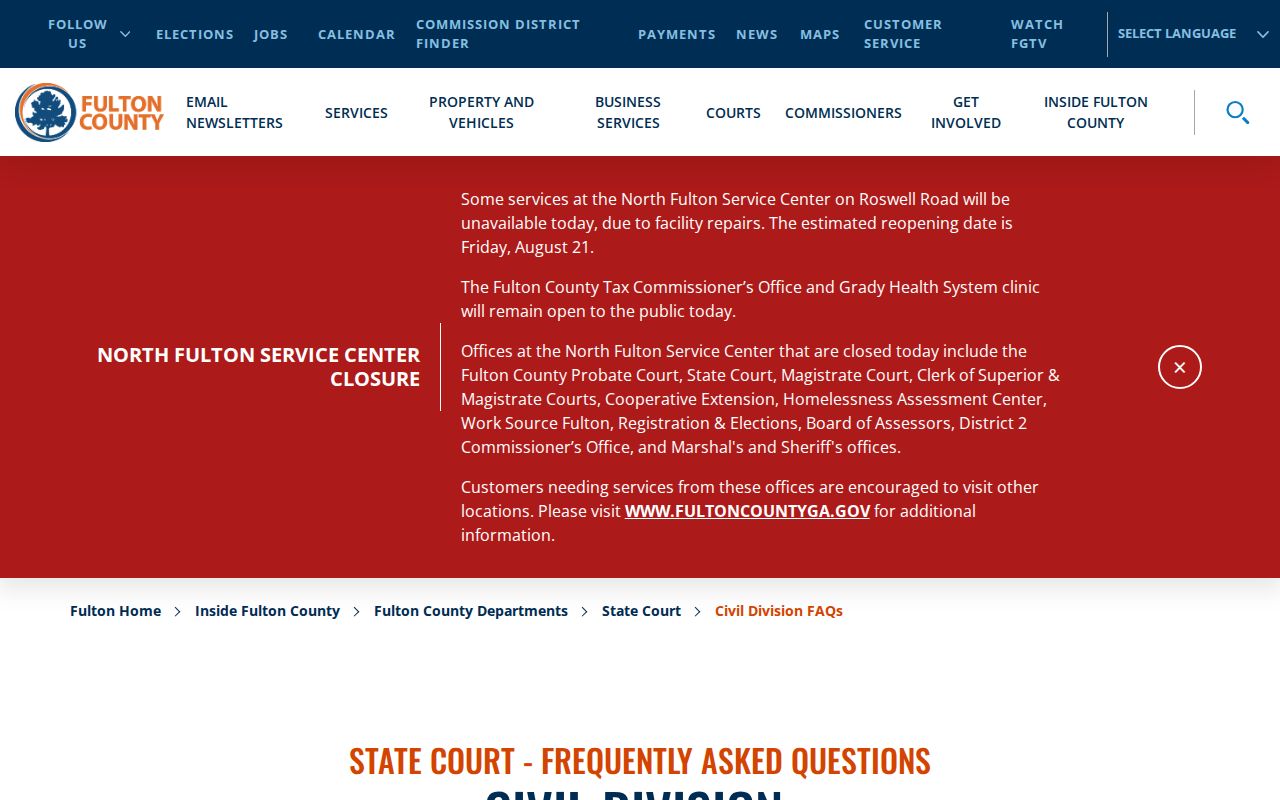
That FAQ shows where to take each question. A State filing envelope or assigned-judge hearing request goes to State Civil, not the Superior Clerk.
Fulton County Civil Docket Forms
Forms start or support a case, but they never replace the court's event register. The Fulton Clerk site groups Superior Civil, Superior Criminal, Magistrate Civil, Magistrate Criminal, and general forms together. One example: the General Civil and Domestic Relations Case Filing Information Form asks for the e-filed date, court choice, county, caption roles, filed date, and case number. The summons adds service and attorney fields plus an answer notice. The Fulton Clerk forms library shows the official Superior and Magistrate form groupings.
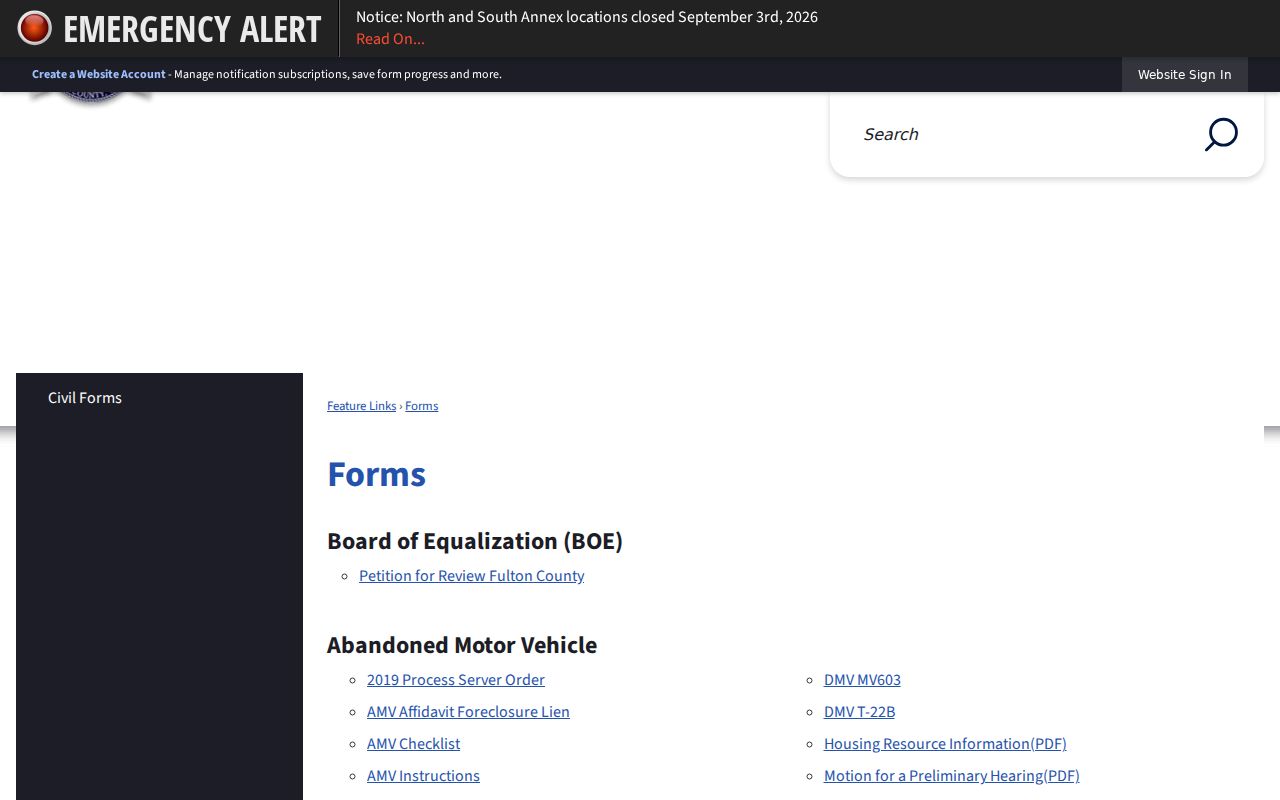
Fulton County forms fill in the logic behind a civil docket. The header carries the court, the caption, the filing date, and the case number, because those identify the case itself. The event register below it lists only what the clerk actually accepted.
Fulton County Civil Dockets and Media
A civil docket entry can prove a notice or order was filed. It does not put the item itself online. That gap is normal, not a red flag. For certain media, State Civil has a set step. For depositions, DVDs, CDs, audio, or photographs, State Civil asks filers to submit a Notice of Filing. The clerk keeps no originals. Staff for the assigned judge may contact the filer instead. So a Fulton County civil docket and its exhibit remain two separate records. One never substitutes for the other.
Do not confuse the index with the image: a filing title or notice can be public even when the underlying exhibit is not available through the portal.
Public Access to Civil Dockets
Georgia Superior Court records are open to inspection unless law or court procedure limits access. Openness has limits, though. A civil file can still hold sealed or redacted documents. Family cases often carry sensitive material. Think protected finances, health data, minors, adoptions, or home addresses. The State Civil FAQ treats sealing as document-specific. So protected health information filed under seal stays sealed until the signed court order described there says otherwise.
Key rules:
Uniform Superior Court Rules 21 and 21.6 address open court records, limits on access, and protected-identifier redaction.
O.C.G.A. §§ 50-18-71 and 50-18-72 govern nonexempt public records and listed exemptions or redactions.
Fulton County Civil Docket Access Channels
If Odyssey is down or an image is missing, a public access terminal still works. Find one at 136 Pryor Street SW or in the Justice Resource Center. Viewing public files at a PAT is free. In-person, the Records Search Center and the North and South Service Centers offer other clerk routes. Call 404-613-5313 for Superior and Magistrate records; for State Civil, use 404-613-5085 or statecourt.customerservice@fultoncountyga.gov. A mailed or counter request should name the court, the case number if known, the document title, and the approximate filing date, plus your contact information and whether the copy needs certification. A sweeping Georgia Open Records Act request is not the usual way to pull one case file. Fulton sends Superior and Magistrate requests straight to their clerk.
Fulton County Civil Dockets in the Archive
Older civil files may not be fully digitized. The Fulton Clerk Archive helps you dig through them. It offers archive, time-period, date-range, keyword, and search controls. When paper or offsite material is what you need, the Records Search Center is the fallback. A missing online image never proves a filing failed to exist. Need a certified judgment or filed order? That comes through the clerk's copy process, not a screen print. The current Superior schedule prices a certified or exemplified copy at $2.50 for the first page. Each additional page is $0.50. Uncertified copies run $0.50 per page without clerk help, or $1.00 per page with it. Confirm the fee before you order.